Agent-safe writes
Per-project serialization, ETags, idempotency keys, and structured validation make parallel agent updates predictable.
Agent Kanban board
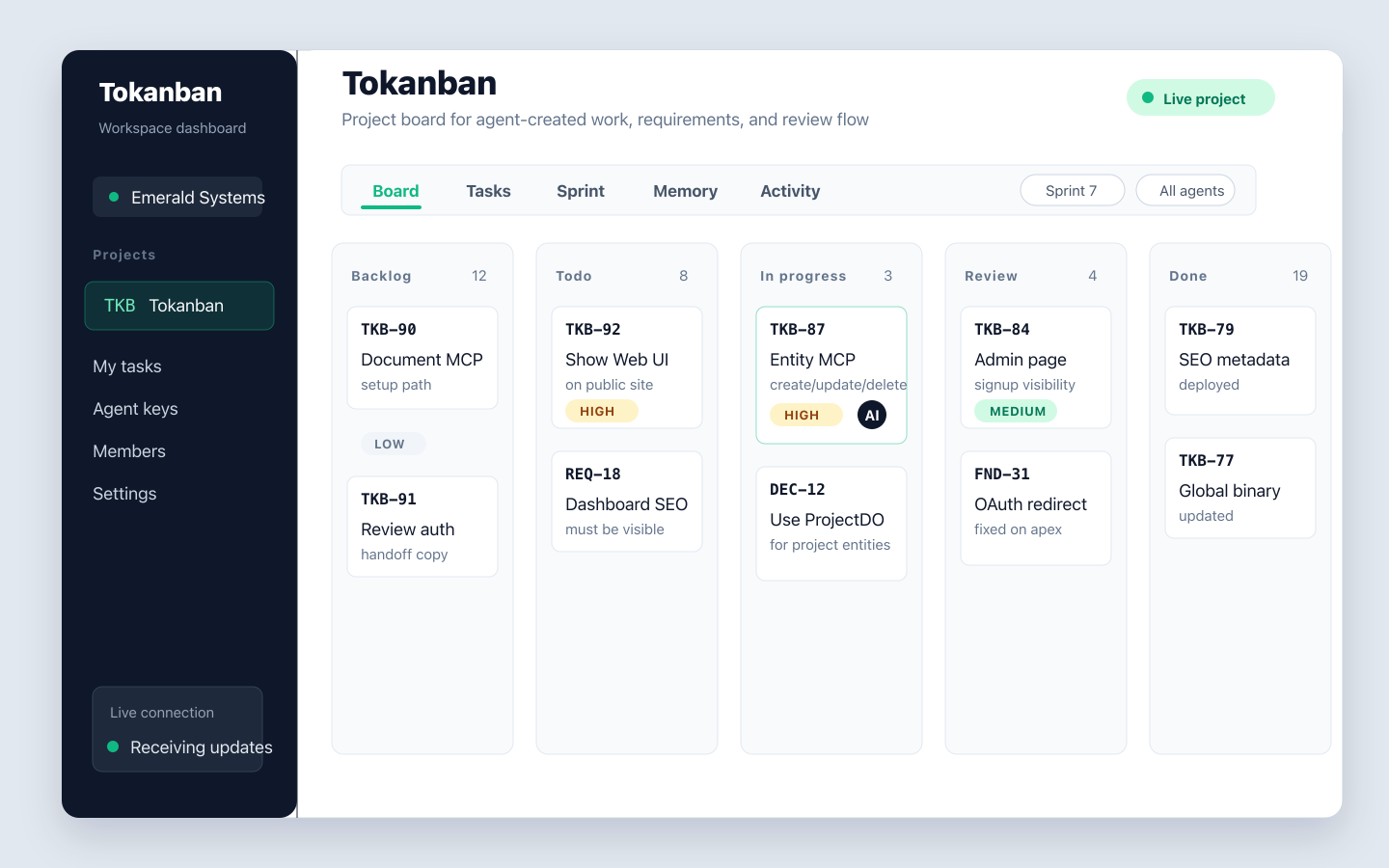
Tokanban gives AI coding agents and human reviewers one shared board. Agents write through MCP, REST, or CLI; humans inspect a live AI Kanban board with task status, priorities, attribution, memory, and activity in one place.
Use Tokanban as a Kanban board for AI agents when you need automation to create and move work without losing human review, project context, or audit history.
Why it exists
Traditional boards assume a person clicks every control. Tokanban assumes coding agents, CI jobs, and scripts need the same project model humans see, with stable APIs and safe writes instead of a fragile browser workflow.
Each task stays connected to the details that matter during agent-driven work: owner, priority, status, project entities, recent activity, and linked memory.
That gives leads a compact review surface instead of asking an agent to reconstruct what changed from logs.
Inspect the dashboardAgent workflow
Tokanban keeps Kanban familiar for humans while making the write path dependable for automation. Each agent can operate with scoped permissions and machine-readable errors, then humans can open the board to verify progress.
| Board step | Agent action | Human view |
|---|---|---|
| Backlog | Create or discover work from the CLI, REST API, or MCP tools. | Scan proposed work by priority, type, labels, and linked project entities. |
| In progress | Claim tasks, update status, add comments, and record implementation notes. | Watch active agent work with stable task keys and actor attribution. |
| Review | Attach summary, provenance, related memory, and verification results. | Open detail views for acceptance context without digging through terminal history. |
| Done | Close tasks with final notes and durable continuation context. | Audit completed work through task history, activity, and stored memory. |
Memory aware
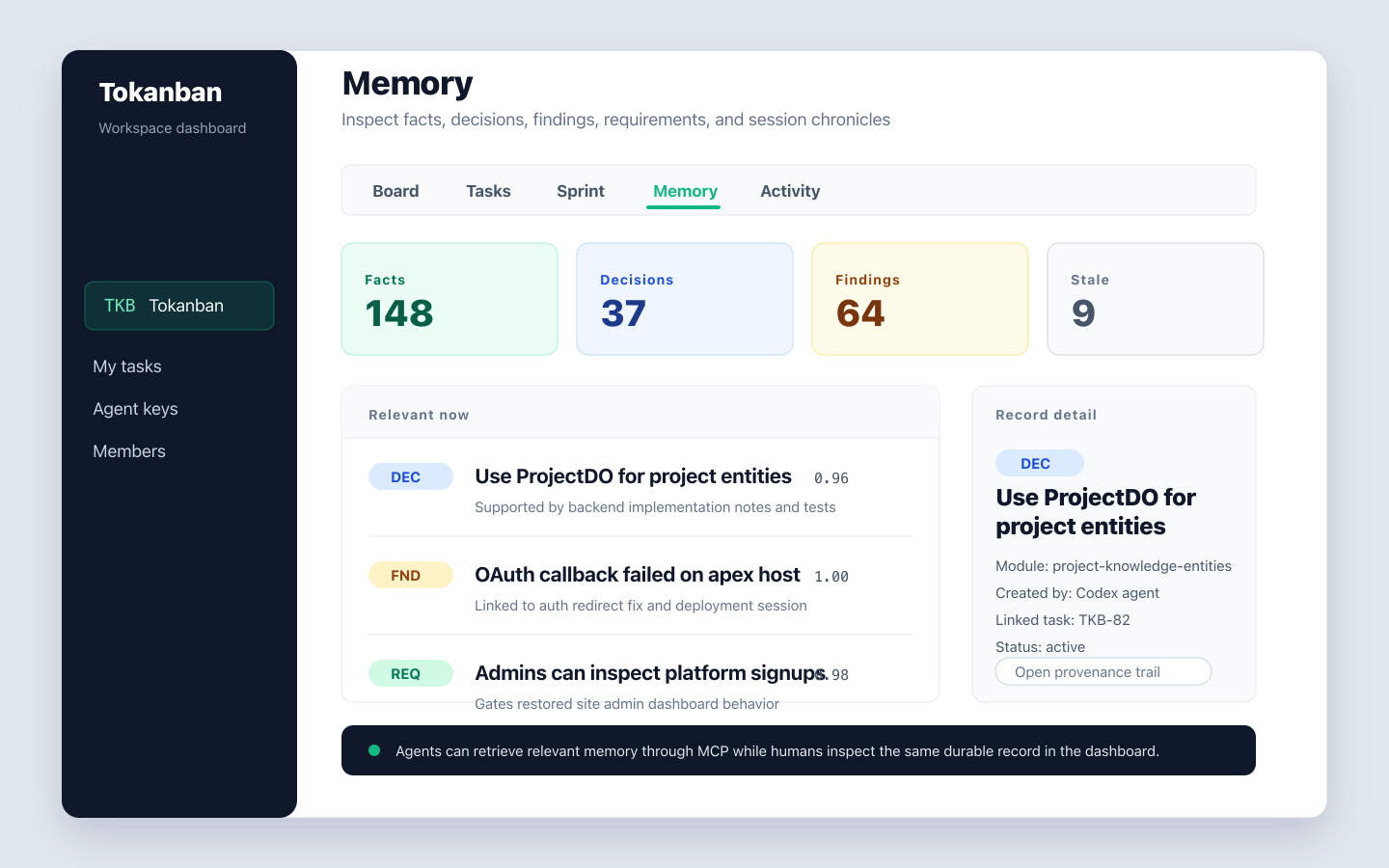
Agent work rarely fits in a task title. Tokanban pairs the board with durable memory for facts, decisions, requirements, findings, session chronicles, and continuation prompts so future runs can recover the context behind each card.
FAQ
An agent Kanban board is a project board designed for AI coding agents to create, update, and move tasks programmatically while humans review status, ownership, priorities, and audit history in a browser.
Yes. Tokanban exposes MCP tools, a REST API, and a CLI so AI coding agents can create tasks, update status, add comments, and record project memory without clicking through the Web UI.
Tokanban treats agents as first-class actors with scoped keys, serialized writes, structured errors, durable memory, and attribution. The board is visible to humans, but the primary write paths are built for automation.
Start with a shared workspace, then connect coding agents through MCP, REST, or the Tokanban CLI.