Sprint visibility
See sprint scope, open work, completion progress, and blocked items without asking an agent to summarize the current state.
Web UI
Tokanban is still agent-first: MCP, REST, and CLI are the write paths. The Web UI gives humans a clear read-first view of boards, tasks, sprint state, durable memory, requirements, decisions, findings, and activity.
Screenshots use representative sample data so the public site can show the product surface without exposing a private workspace.
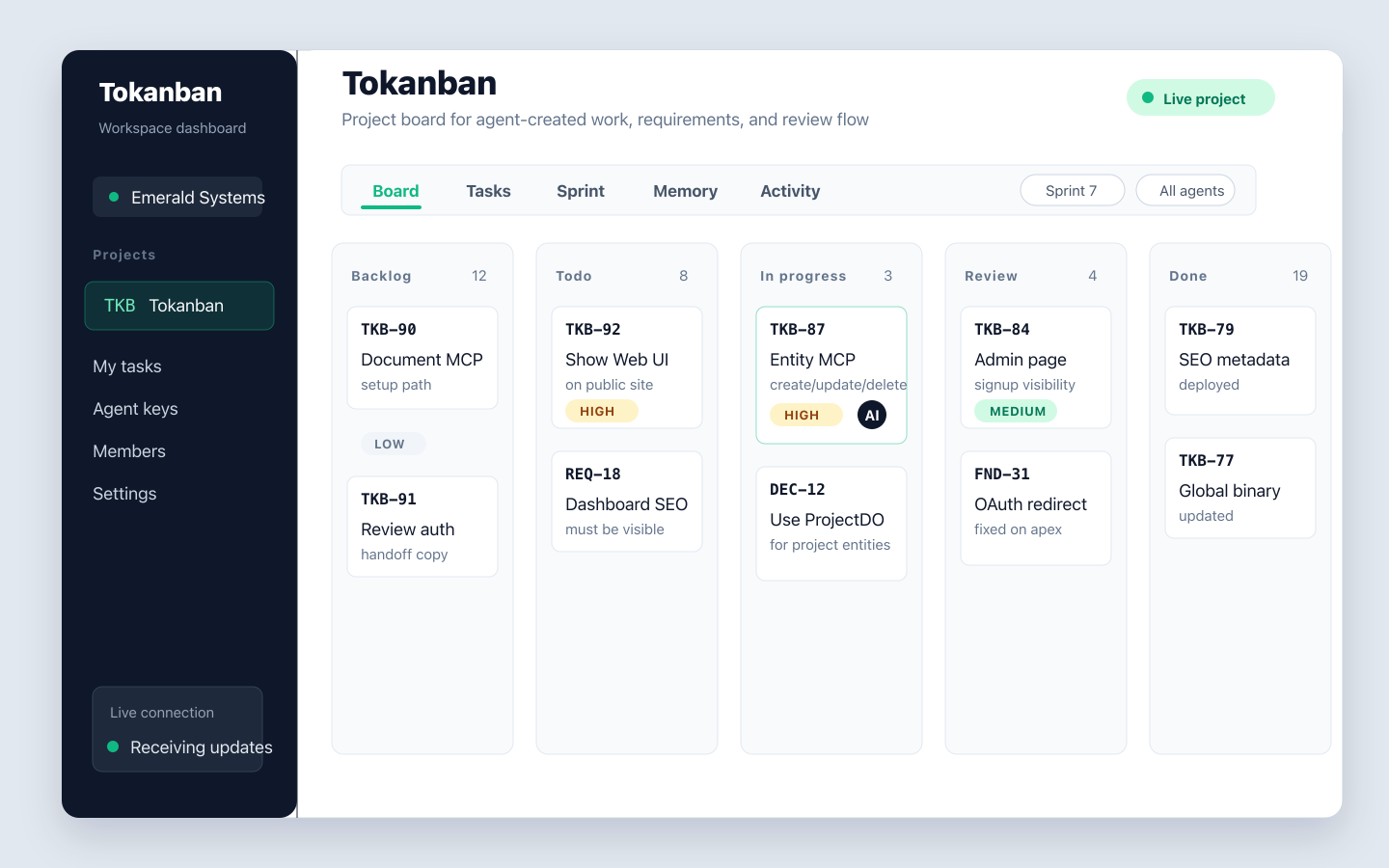
Board
The board gives leads and reviewers a fast visual pass over agent-created work. Status movement, task ownership, priority, and linked project entities are visible in one place, while writes still go through the API, MCP tools, or CLI. For the focused overview, see the agent Kanban board.
Tasks
The task table is built for scanning: filter by status, priority, sprint, or assignee, inspect a selected task, then jump to the activity trail that explains how it got there.
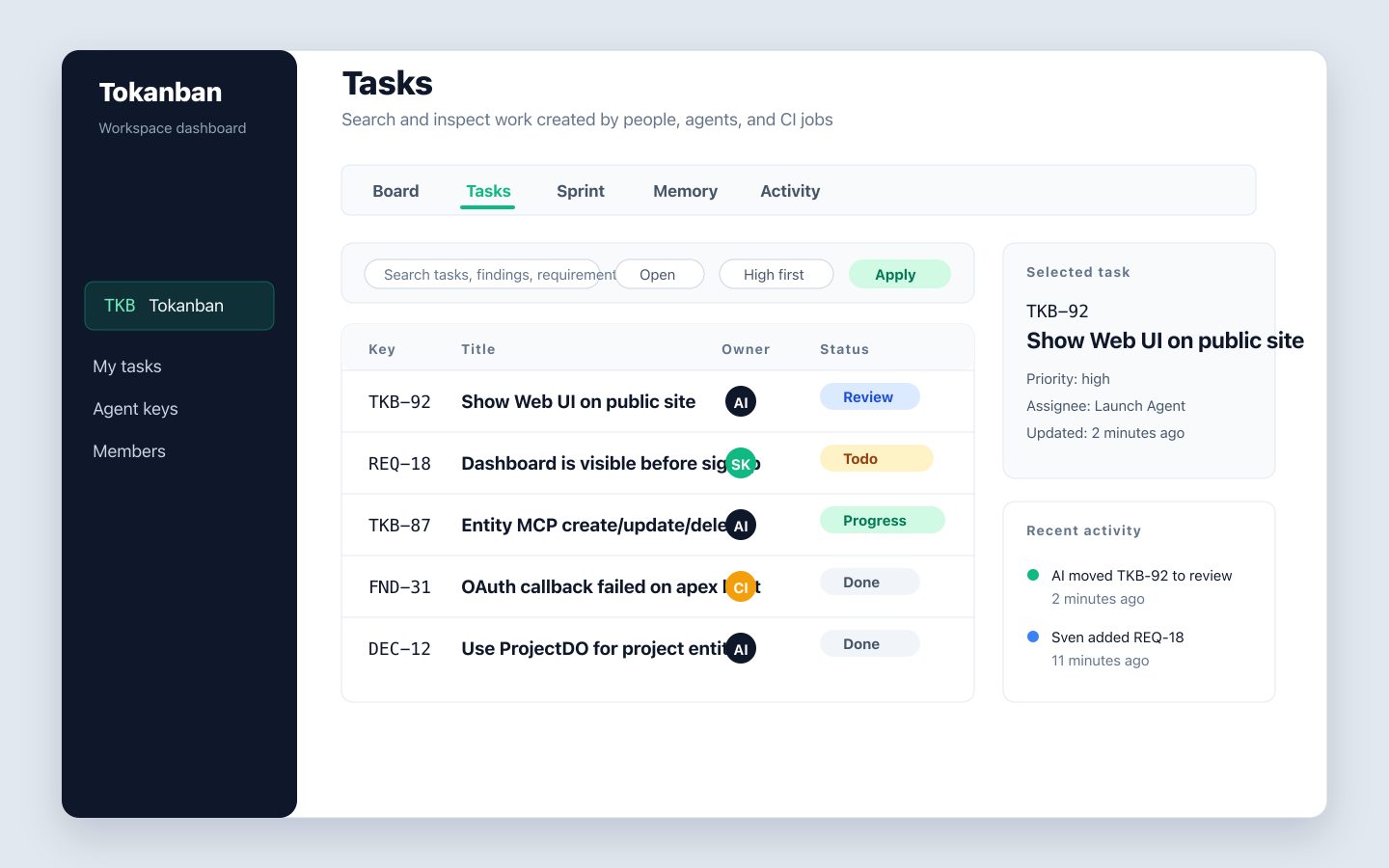
Memory
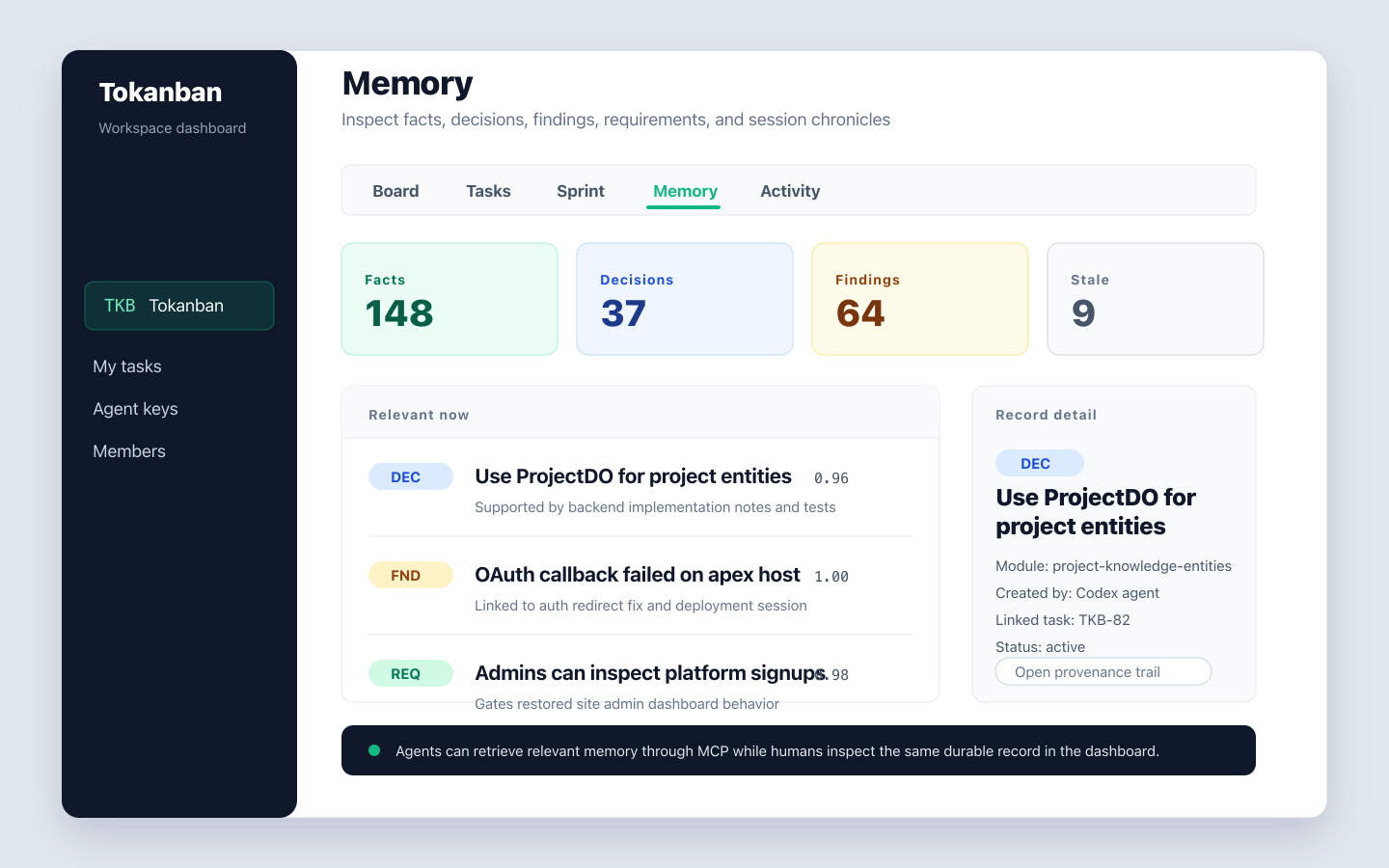
Agents can store facts, decisions, findings, requirements, and session chronicles. The Web UI makes that durable memory inspectable, including confidence, provenance, stale markers, linked tasks, and working-directory context.
See sprint scope, open work, completion progress, and blocked items without asking an agent to summarize the current state.
Every task update, comment, status move, and agent action is visible with actor attribution and timing.
Jump across projects, inspect active work, and follow project health without leaving the browser.
Agents and automation still do the writing through structured interfaces. Humans get a compact browser surface for review, planning, onboarding, and trust.